Balances#
The Balances page is your treasury overview — total value across crypto and fiat, per-token holdings by chain, quick actions to move money, and recent activity.
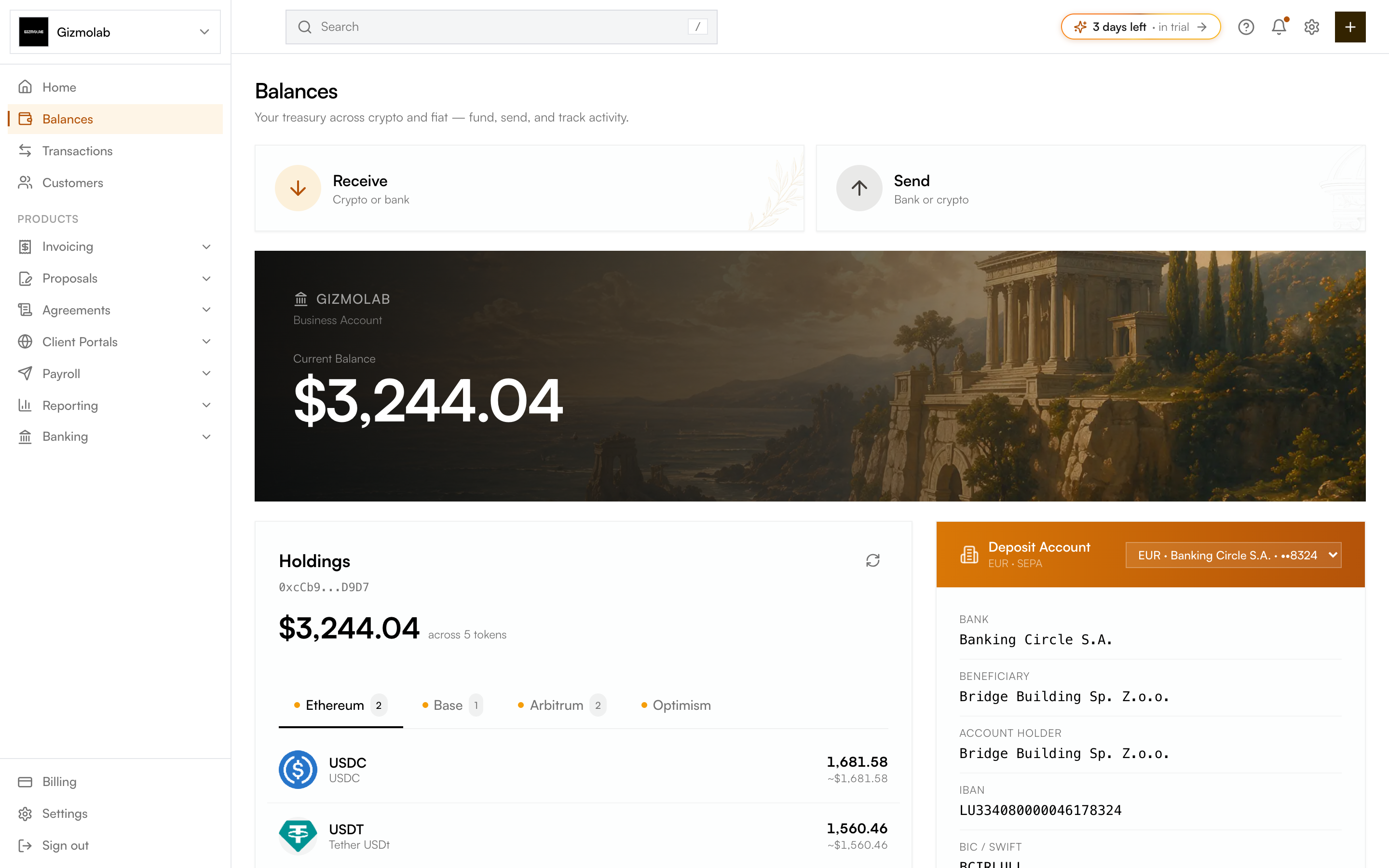
- 1Balances overview
- 2Receive crypto or bank
- 3Send to bank or crypto
- 4Total current balance
- 5Holdings per chain
- 6Deposit account details
What is on the page#
- Quick actions — Receive and Send controls for moving money in and out (Send to bank appears when fiat is enabled).
- Current balance — A hero card with your total treasury value.
- Wallet balances — Holdings broken out by token and chain (Ethereum, Base, Arbitrum, Optimism).
- Wire details — Your deposit account details, shown alongside balances when fiat is enabled.
- Pending multisig transactions — If your treasury is a Gnosis Safe, pending transactions awaiting signatures appear here.
- Recent activity — Your latest on-chain and fiat transactions.
Note
Wire details and the fiat send action only appear once your org is fiat enabled through Bridge. If fiat is off, a banner prompts you to enable it. See Flex Routes.
Funding and withdrawing#
- Receive to add crypto (or fiat, when enabled) to your treasury.
- Send to move funds out. To convert crypto to fiat and withdraw to a bank, use Cashout.
Tip
Switch the chain tabs under Holdings to see balances for a specific network before sending or cashing out from it.