Wallets#
Your organization's treasury wallets are the receive addresses payers send crypto to. Each chain accepts one address. They are shown in the receive modal and used as the source for balance display. Manage them under Settings → Wallets.
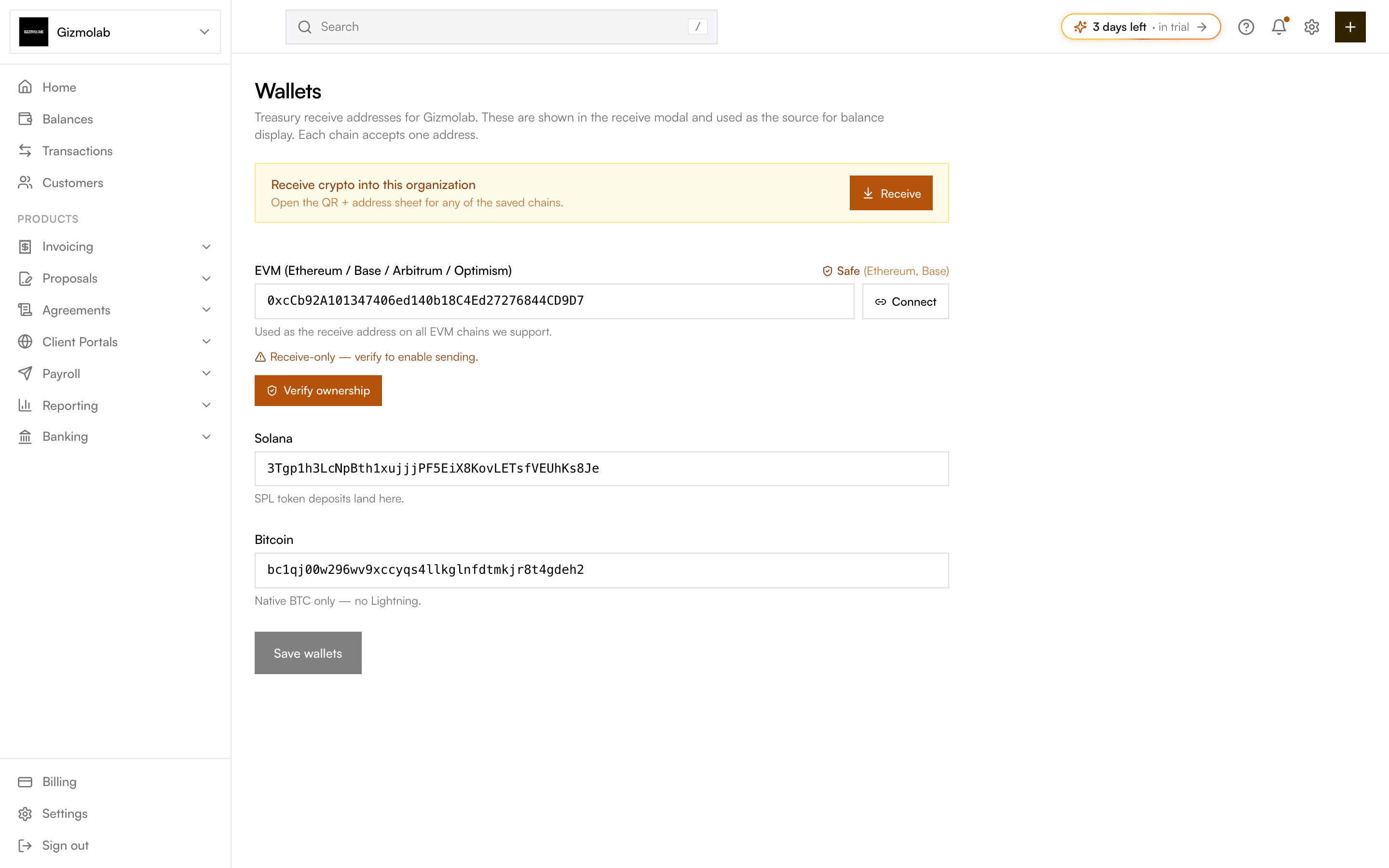
- 1Open the receive QR and address sheet
- 2EVM address for all EVM chains
- 3Detected wallet type such as Safe
- 4Verify ownership to enable sending
- 5Solana address
- 6Save wallets
Supported chains#
- EVM — One address used as the receive address across all EVM chains we support (Ethereum, Base, Arbitrum, Optimism). Format
0x.... - Solana — A Base58 address where SPL token deposits land.
- Bitcoin — A native BTC address (
bc1...or starting with 1/3). No Lightning.
Enter your addresses and click Save wallets. Only owners and admins can edit; members see the addresses read-only.
EVM wallet detection#
When you paste an EVM address, Hanko detects whether it is a standard wallet (EOA), a Safe (multisig), or an unrecognized contract. For EVM you can also click Use connected / Connect to fill the field from a connected wallet.
Warning
An unrecognized contract works for receiving, but sending from it is not supported.
Verifying ownership#
A newly saved EVM address is receive-only until you verify ownership. Click Verify ownership to prove control (for example by signing a message or as a Safe owner). Once verified, the address shows a Verified badge and can be used as a sending source.
Receiving crypto#
When at least one wallet is saved, a Receive button opens the QR and address sheet for any saved chain, so you can share the address or QR code with a payer. The same treasury wallets also appear on the Organization Details page.