Recurring Invoices#
A recurring invoice is a template that generates and sends invoices on a repeating schedule — ideal for retainers and subscriptions. Open it from Invoicing → Recurring.
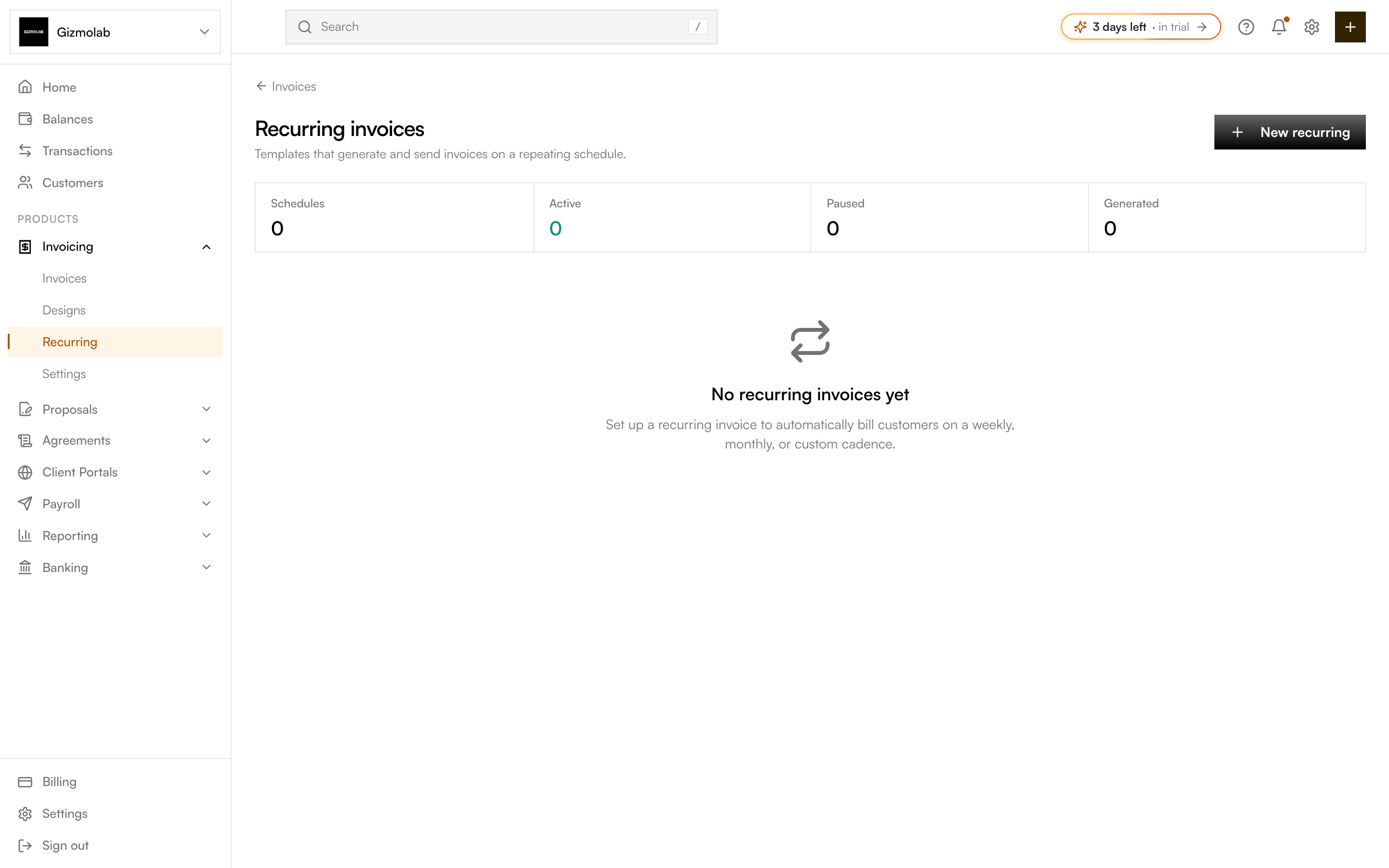
- 1Create a new schedule
- 2Schedule counts at a glance
- 3Your schedules appear here
Creating a schedule#
Click New recurring and fill in:
Pick a customer and currency. Set the interval (weekly, monthly, quarterly, yearly, or custom days), how often to repeat, a start date, and an optional end date.
Toggle Auto-send to email each generated invoice automatically, and Auto-charge to attempt collection where supported. Choose the payment term applied to each invoice.
Add the line items billed each cycle (with quantity, price, tax, and discount) and optional Memo and Footer text. The totals preview shows what each invoice will charge.
Click Create recurring invoice. The schedule becomes active and generates its first invoice on the start date.
Managing schedules#
The list shows each schedule's customer, interval, next run date, status, and how many invoices it has generated. A schedule can be Active, Paused, Ended, or Canceled. Open any schedule to view or change it.
Tip
With Auto-send on, generated invoices are finalized and emailed without any manual step. Leave it off if you'd rather review each invoice before it goes out.