Cards#
Cards let you spend directly from your crypto balance. Issue a virtual Visa instantly, set monthly and daily limits, freeze it in one tap, and review its transactions.
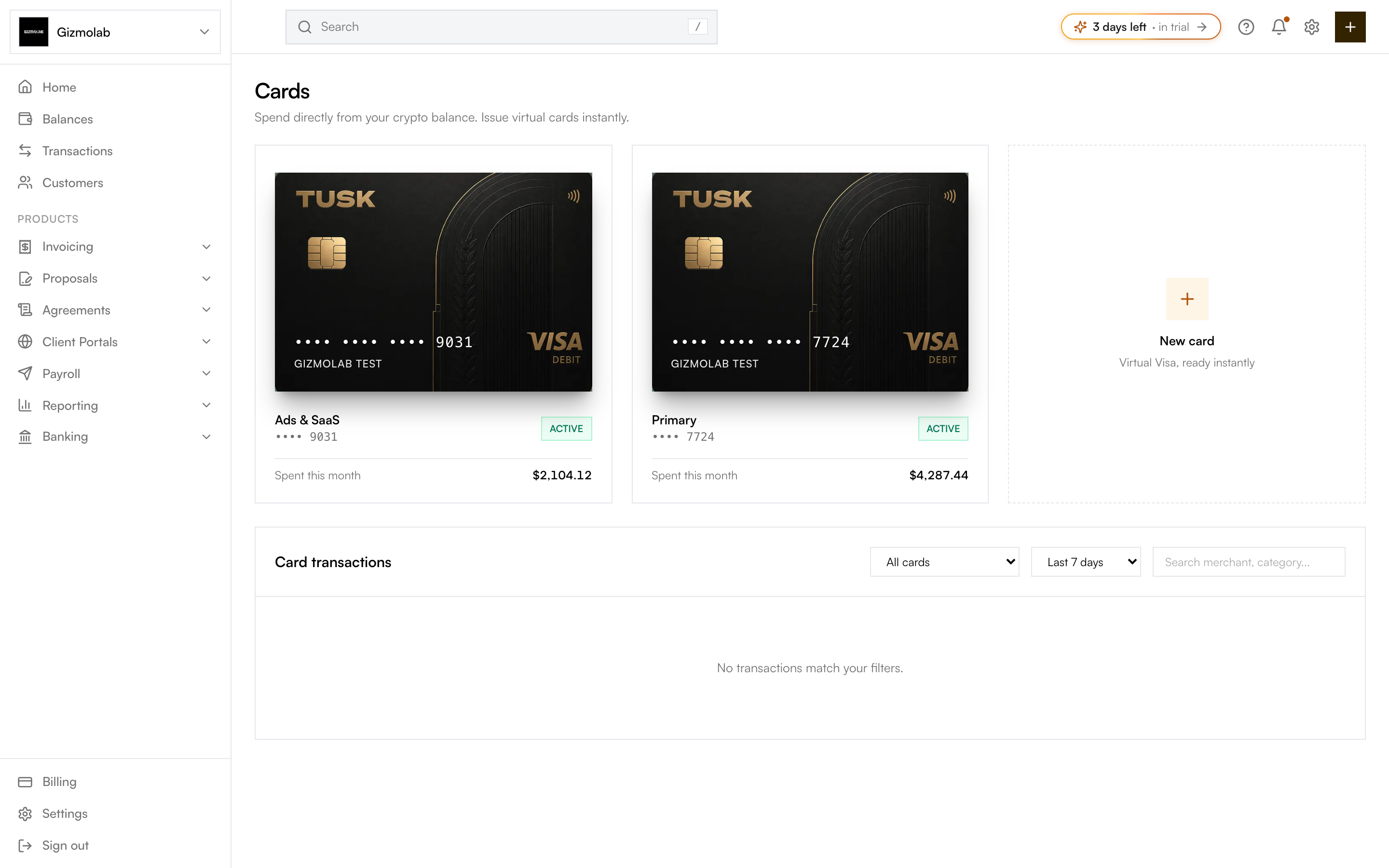
- 1Cards overview
- 2A virtual Visa card
- 3Active status
- 4Spent this month
- 5Create a new card
- 6Card transactions and filters
Issuing a card#
Click New card (or Create card on the empty state). A virtual Visa is issued instantly, funded from your crypto balance, with no monthly fee.
Each card tile shows its nickname, last 4 digits, status, and spend this month. Click a card to open its detail page.
Card details and controls#
On a card’s detail page you can:
- Reveal details — Use Enable details and Show CVV to view and copy the full number, expiry, and CVV. They stay masked until you reveal them.
- Freeze card — Toggle to immediately block all new transactions. It is safe to toggle back on.
- Set limits — Drag the monthly and daily limit sliders, then Save changes. A spend meter shows month-to-date against the monthly limit and turns amber, then red, as you approach it.
The page also confirms the card is virtual, accepted globally wherever Visa is, and 3D Secure enabled.
Transactions#
Both the Cards overview and each card’s detail page include a transactions table. Filter by card and by time range, or search by merchant or category.
Note
Cards is currently a demo experience — card data lives in-app and is not yet backed by a live card issuer, so issuing, freezing, and limit changes are for preview. Real spend will activate when the card issuer integration ships.